STEP 01
Open it before the client joins
A small bubble on top of your screen. Nothing to configure, nothing for the client to notice.

Freelance Buddy
It follows the whole call — scope, pricing, objections, close — and suggests your next reply as a calm senior consultant would write it. Then it strips out anything you cannot actually deliver.
Try it live — no signup
No download, no account. Type a question and watch the same engine that runs on your calls answer it.
Pick one to start, or type your own below.
On a real call it hears the question itself — no typing. This demo is text-only.
Not a chatbot
Most AI answers the last sentence it heard. Freelance Buddy tracks the whole conversation and changes its strategy depending on which part of the deal you are in.
Greeting
Reads the room
Scope
Pulls out what they actually need
Pricing
Holds your number
Objection
Answers without flinching
Close
Moves to next steps
What generic AI writes
“Absolutely! I’ve built several platforms exactly like this and I’m confident I can deliver a world-class solution. I have extensive experience with real-time systems and can definitely have this done in 3 weeks. Trust me — this will be no problem at all!”
Invented portfolio, a guarantee you did not agree to, and a timeline you will now be held to. This is how freelancers lose money on calls.
What Freelance Buddy writes
“Yes, I can help with that. Based on what you’ve described, typical scope would include the booking flow, an admin view, and reminders. A focused first version is usually 4–6 weeks once scope is agreed. Which of those three matters most to you first?”
No invented experience, no guarantee, one question that moves the deal forward. It is built to refuse the hype even when the model wants to produce it.
Why this one is different
It picks up their industry, their deliverable and their constraints from what they actually said on the call — not from a template. A clinic booking system and a supplier dashboard get different replies.
No invented portfolio, no guaranteed outcomes, no timeline you never agreed to. The hype gets stripped out before you ever see the reply — because that is the sentence that costs you money three weeks later.
The annual plan is $149. One won contract covers it for years. That is a very different maths problem from a tool you use to pass an interview.
Step by step
From opening the app to reading your reply, on an actual discovery call.
A small bubble on top of your screen. Nothing to configure, nothing for the client to notice.
Zoom, Meet, Teams, or an Upwork call. Hit Sync and it starts following the conversation.

It extracts the industry, the deliverable and the platform from their own description, and builds up a picture of the deal as the call goes on.
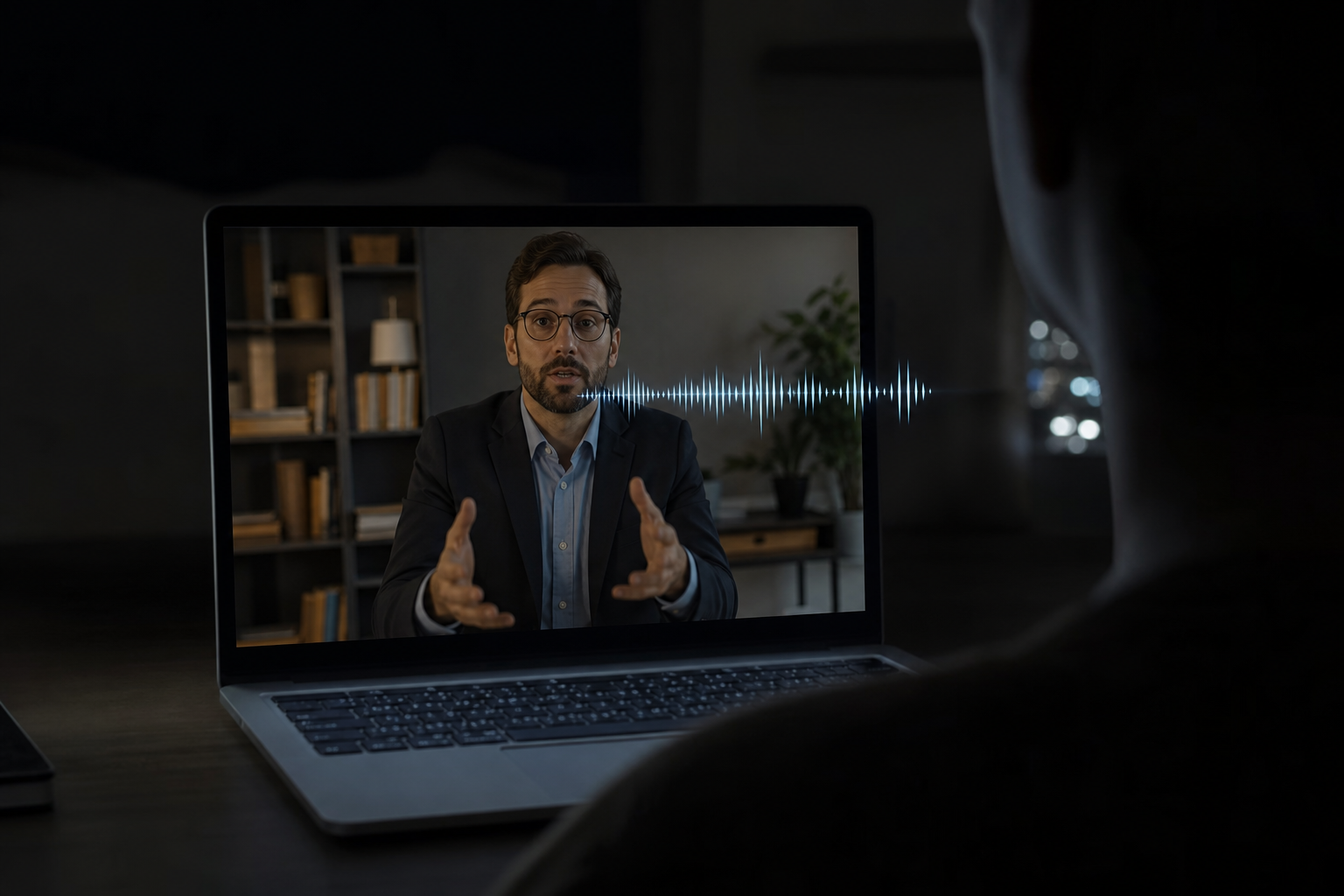
A calm, consultant-shaped answer: what is feasible, what typical scope looks like, and at most one question that moves things forward. Then you say it in your own voice.
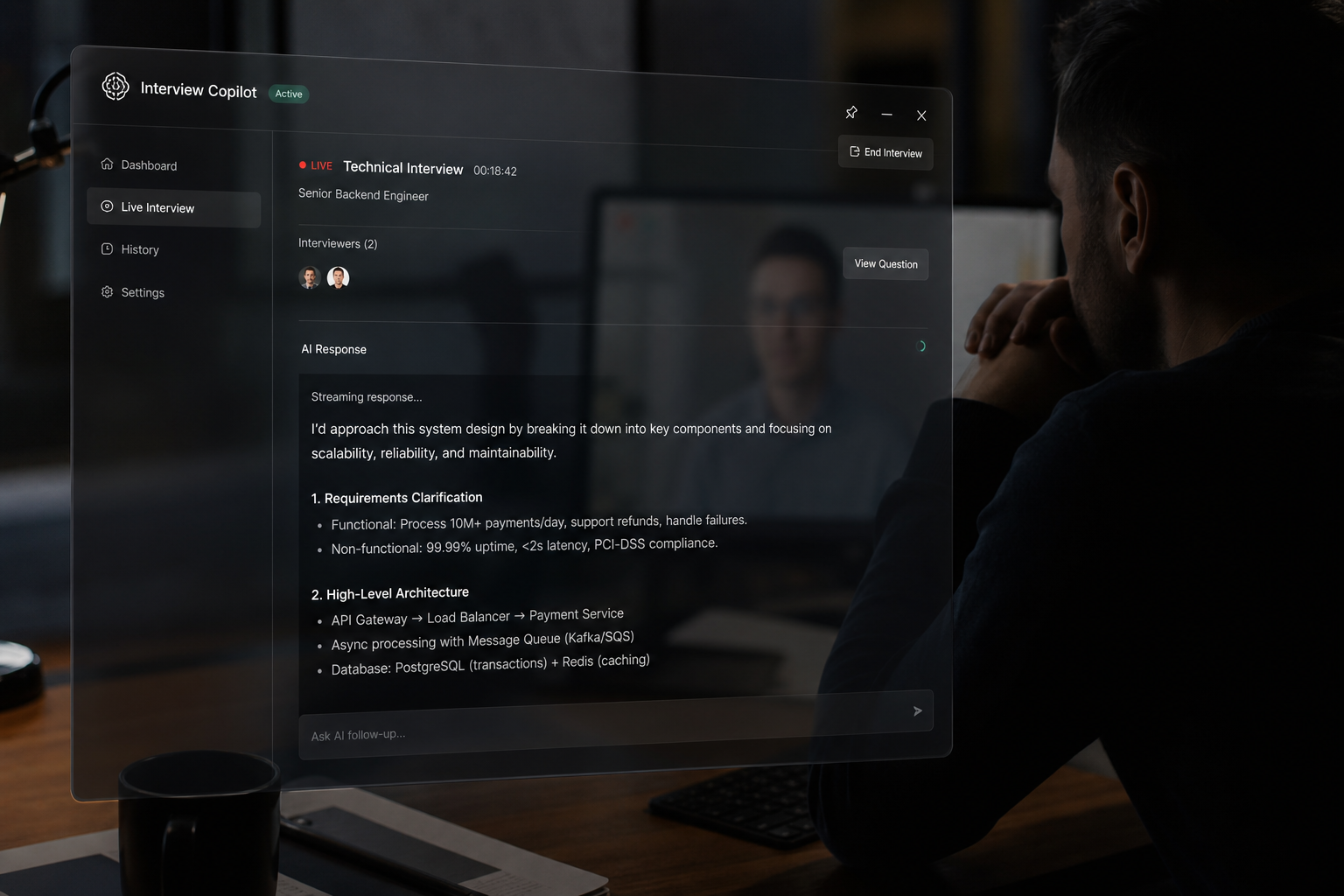
The part that matters
Scroll, then drag the handle — the overlay is excluded from screen capture at the OS level. When you share your screen, those pixels are never sent.
This protects against screen sharing and screen recording. It does not hide the overlay from a camera pointed at your monitor, from someone sitting beside you, or from proctoring software that inspects your machine.
What people say
“I stopped freezing on the follow-up questions. It kept me one step ahead the entire loop — I had three offers by the end of the month.”
“On client calls I used to panic and discount. Now I reframe calmly and my close rate is up. It paid for a year in one contract.”
“The fact that it is invisible on screen share is the whole thing. I shared my IDE in an interview and it just was not there.”
“It is not a chatbot — the answers are short enough to actually say out loud. That is the difference from everything else I tried.”
“I run it in every cross-team meeting now. I answer the finance questions in the room instead of promising a follow-up.”
“Setup took two minutes and it works on Meet, Zoom and Teams. The day pass got me through my interview week for ten bucks.”
Straight answers
No — it is specifically built not to. There is a filter that strips guarantees, invented experience and overconfidence out of every reply before you see it: no "I have built several of these", no "definitely", no "guaranteed", no timeline you did not agree to. It prefers phrasing like "yes, I can help with that" and "typical scope would include". This is the whole reason it exists rather than being a generic chat window.
Pricing
No credit counter draining while you are mid-sentence. Pick a span of unlimited use and forget about it.
See it work before you pay anything.
$0
forever · no card
Interview tomorrow? Start here.
$9.99
72 hours of unlimited use
Three days, not one — interviews get rescheduled.
For anyone who takes calls every week.
$29
per month
Cluely charges $149.99/mo for screen-share invisibility.
For freelancers and consultants who live on calls.
$149
per year · $12.42/mo
One won contract covers this for years.
Create a free account first — your plan syncs to the desktop app automatically.
Seven-day refund, no questions. If it does not help in the conversation you bought it for, email us and we refund it. Screen-share invisibility is included on every paid plan, day pass included.
Start free, run it on your next discovery call, and see whether it changes how the conversation goes. The annual plan works out to $12.42 a month.
Seven-day refund on every paid plan · Invisibility included on all of them