STEP 01
Open it before the meeting
It runs as a small always-on-top bubble. No bot joins your call, no "recording" banner, no notification to the room.
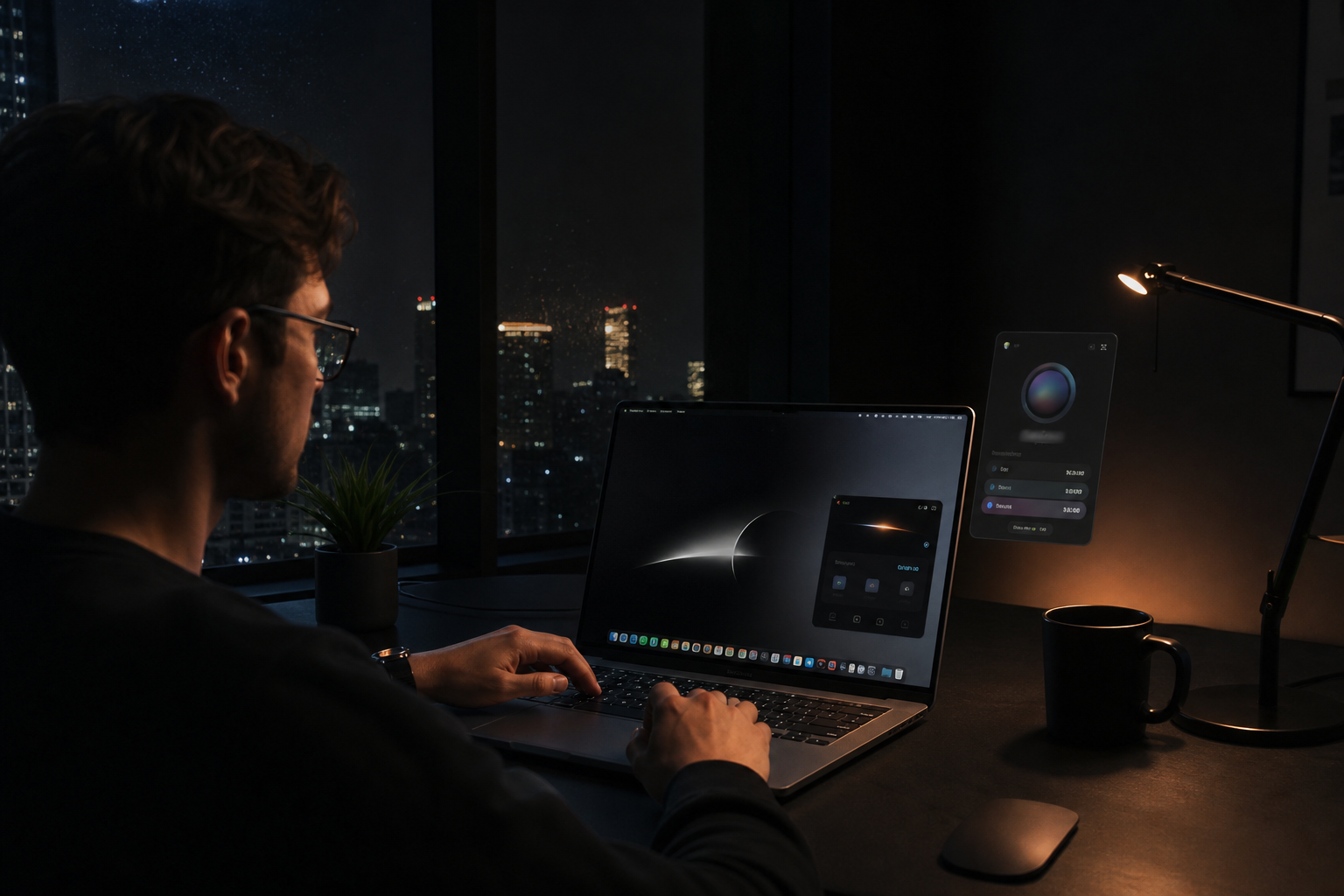
Meeting Buddy
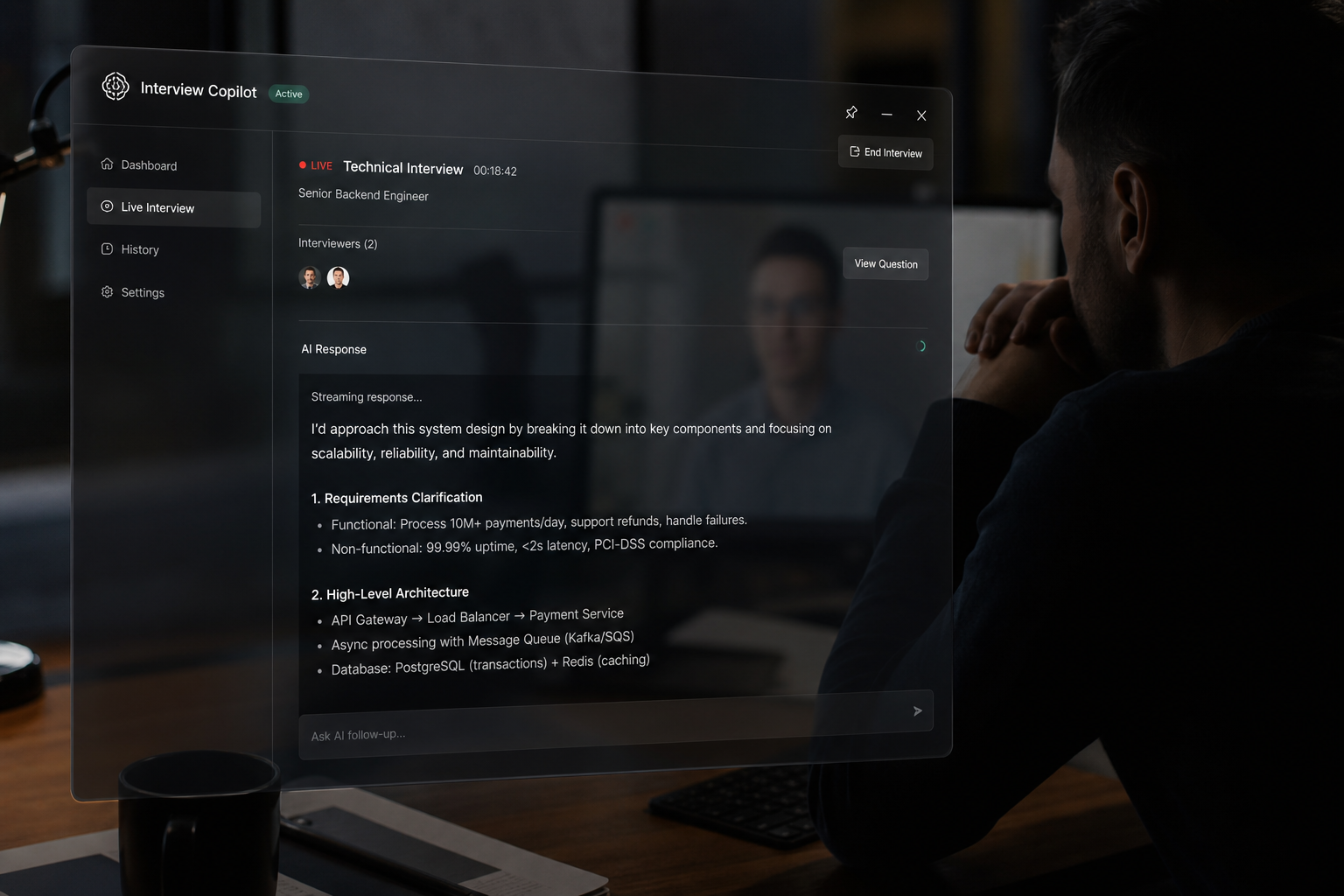
Someone asks about a number you do not have in your head, or a system you do not own. Meeting Buddy puts the answer on your screen while the question is still hanging in the air.
Try it live — no signup
No download, no account. Type a question and watch the same engine that runs on your calls answer it.
Pick one to start, or type your own below.
On a real call it hears the question itself — no typing. This demo is text-only.
Not a note-taker
Every other tool in this category is looking backwards. This one is not.
Otter and Fireflies give you a summary once the meeting is over. That is a record. This is a prompt — it arrives while the question is still hanging in the air.
Transcription runs locally on your own computer. Only the question text goes out to generate an answer, and your history stays on your machine rather than in a cloud workspace.
Most "let me get back to you" moments are questions about someone else's area. It fills that gap in the ten seconds you actually have.
Step by step
It runs as a small always-on-top bubble. No bot joins your call, no "recording" banner, no notification to the room.
Zoom, Meet, Teams, Webex, a Slack huddle. Hit Sync and it listens through your system audio.
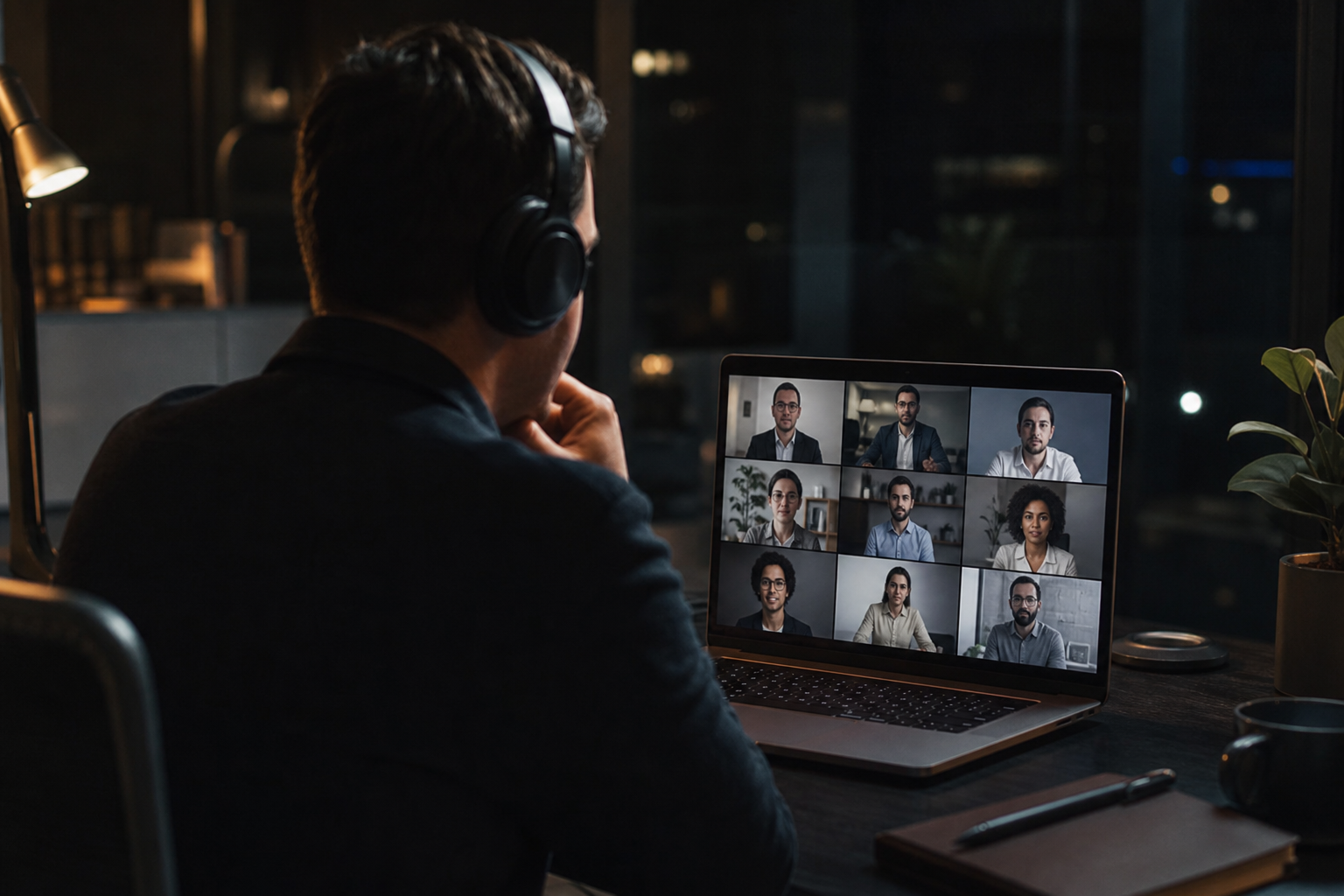
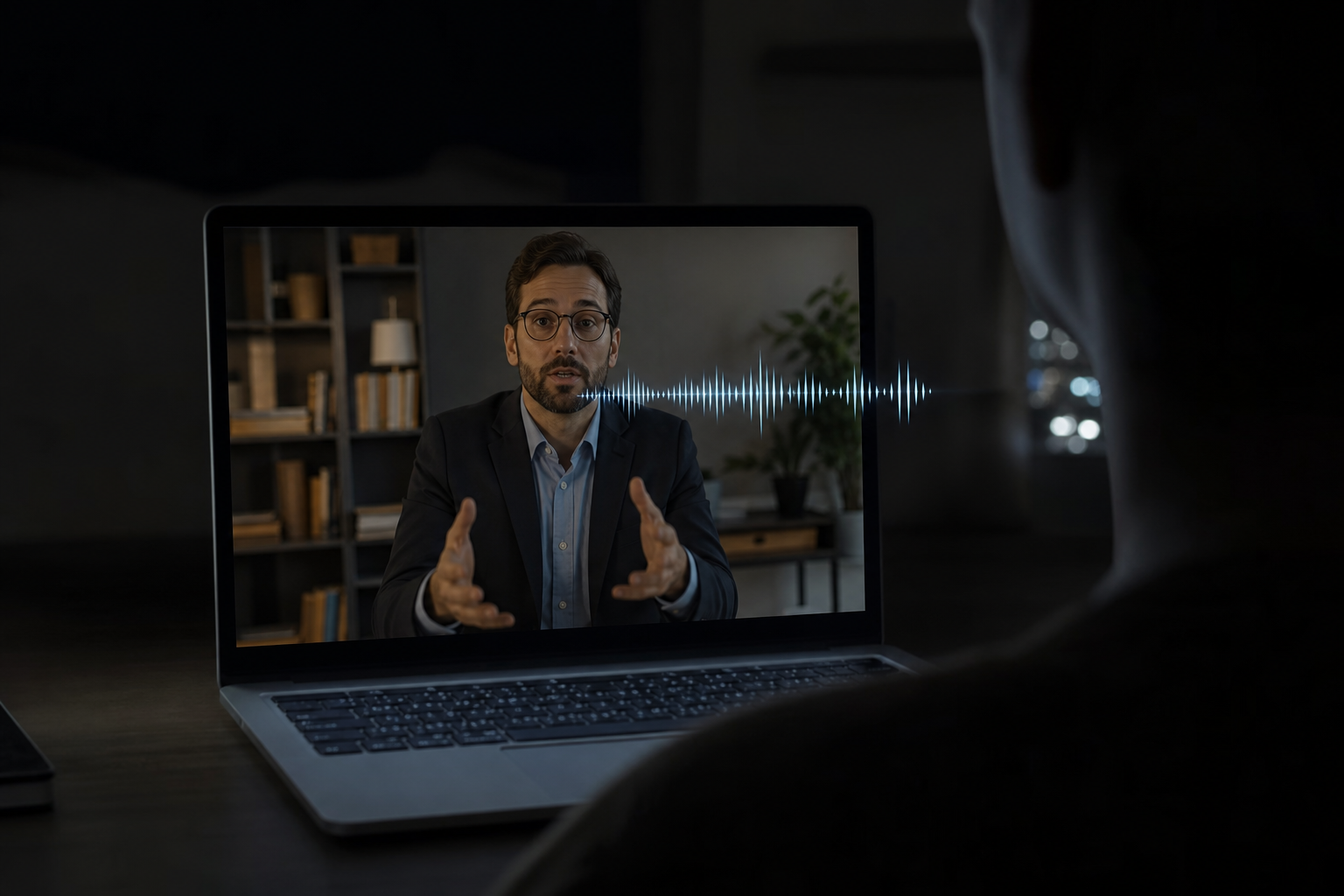
A stakeholder asks about a number, a dependency, or a system you do not own day to day. It transcribes locally and works out what is being asked.
A short, structured answer appears on your overlay. You read it in your own words and the meeting keeps moving.
The part that matters
Scroll, then drag the handle — the overlay is excluded from screen capture at the OS level. When you share your screen, those pixels are never sent.
This protects against screen sharing and screen recording. It does not hide the overlay from a camera pointed at your monitor, from someone sitting beside you, or from proctoring software that inspects your machine.
Honest comparison
Screen-share invisibility is the feature people actually pay for. Everyone else puts it behind their top tier.
| Feature | HandshakeBuddyPro | CluelyPro + Undetectability | Interview CoderMonthly Pro | Sensei AIPro Monthly |
|---|---|---|---|---|
| Monthly price | $29 | $149.99 | $299 | $89 |
| Annual price | $149/yr | ~$540/yr | $799 lifetime | $288/yr |
| Hidden from screen share | Yes | Yes | Yes | No |
| Included on the entry paid plan | Yes | No | Yes | No |
| Real-time live answers | Yes | Yes | Yes | Yes |
| Client call & negotiation mode | Yes | No | No | No |
| Transcription runs on your machine | Yes | No | No | No |
| Short-term pass (no subscription) | $9.99 / 72h | No | No | No |
| Free tier | Yes | Yes | Yes | 15-min cap |
| Refund window | 7 days | 24 hours | — | No refunds |
Competitor pricing taken from each vendor’s own pricing page and verified August 2026. Plans change — check theirs before deciding.
What people say
“I stopped freezing on the follow-up questions. It kept me one step ahead the entire loop — I had three offers by the end of the month.”
“On client calls I used to panic and discount. Now I reframe calmly and my close rate is up. It paid for a year in one contract.”
“The fact that it is invisible on screen share is the whole thing. I shared my IDE in an interview and it just was not there.”
“It is not a chatbot — the answers are short enough to actually say out loud. That is the difference from everything else I tried.”
“I run it in every cross-team meeting now. I answer the finance questions in the room instead of promising a follow-up.”
“Setup took two minutes and it works on Meet, Zoom and Teams. The day pass got me through my interview week for ten bucks.”
Straight answers
Those are note-takers: a bot joins your call, records it, and gives you a transcript and summary afterwards. Useful, but backward-looking. Meeting Buddy is forward-looking — it answers the question while the meeting is still running, and no bot joins the call. Different job entirely, and there is no reason you cannot run both.
Pricing
No credit counter draining while you are mid-sentence. Pick a span of unlimited use and forget about it.
See it work before you pay anything.
$0
forever · no card
Interview tomorrow? Start here.
$9.99
72 hours of unlimited use
Three days, not one — interviews get rescheduled.
For anyone who takes calls every week.
$29
per month
Cluely charges $149.99/mo for screen-share invisibility.
For freelancers and consultants who live on calls.
$149
per year · $12.42/mo
One won contract covers this for years.
Create a free account first — your plan syncs to the desktop app automatically.
Seven-day refund, no questions. If it does not help in the conversation you bought it for, email us and we refund it. Screen-share invisibility is included on every paid plan, day pass included.
Start free and run it on one of them. If it saves you a single deferred answer, it has done its job.
Seven-day refund on every paid plan · Invisibility included on all of them